
In order to refresh the IDX link list in the WordPress plugin, we must clear the cache.
Go to FlexmlsIDX > Caching or FlexmlsIDX > Settings > Clear Cache
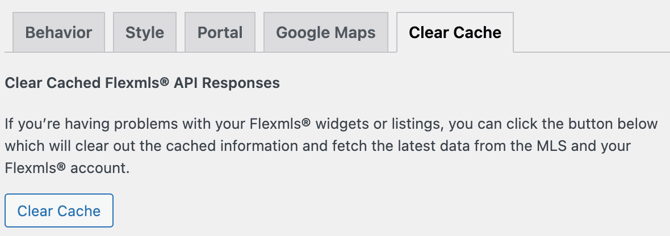
After you have cleared the cache you can now apply the new links to your widgets.
- The cache in the plugin will automatically clear every hour. For best results do it manually.
- If new links still do not appear after clearing the plugin cache, please flush the cache of any other active caching plugins. Additionally, your web host may employ server-side caching; contact their support team for further details if the issue persists.